Travel Taker — Full-Stack Tour Booking Platform
A full-stack MERN travel-booking platform with Google authentication, package browsing, order placement, and an order-management dashboard — one of my earliest full-stack projects, built to learn React, REST API design, and end-to-end auth flows.
Client repo: github.com/Ariful-tushar/travel-taker-client Server repo: github.com/Ariful-tushar/travel-taker-server Role: Solo developer (frontend, backend, and deployment) Type: Full-stack learning project — travel package booking platform
Overview
Travel Taker is a full-stack MERN application for browsing and booking travel packages. Visitors can view a catalogue of tour packages on the homepage, sign in with Google, book a package through a booking form, track their own orders, and — once signed in — manage all orders (approve or cancel) and add new packages through an admin-style dashboard. It was one of my first full-stack projects, built to learn React component architecture, protected routing, REST API design with Express and MongoDB, and Firebase authentication end to end.
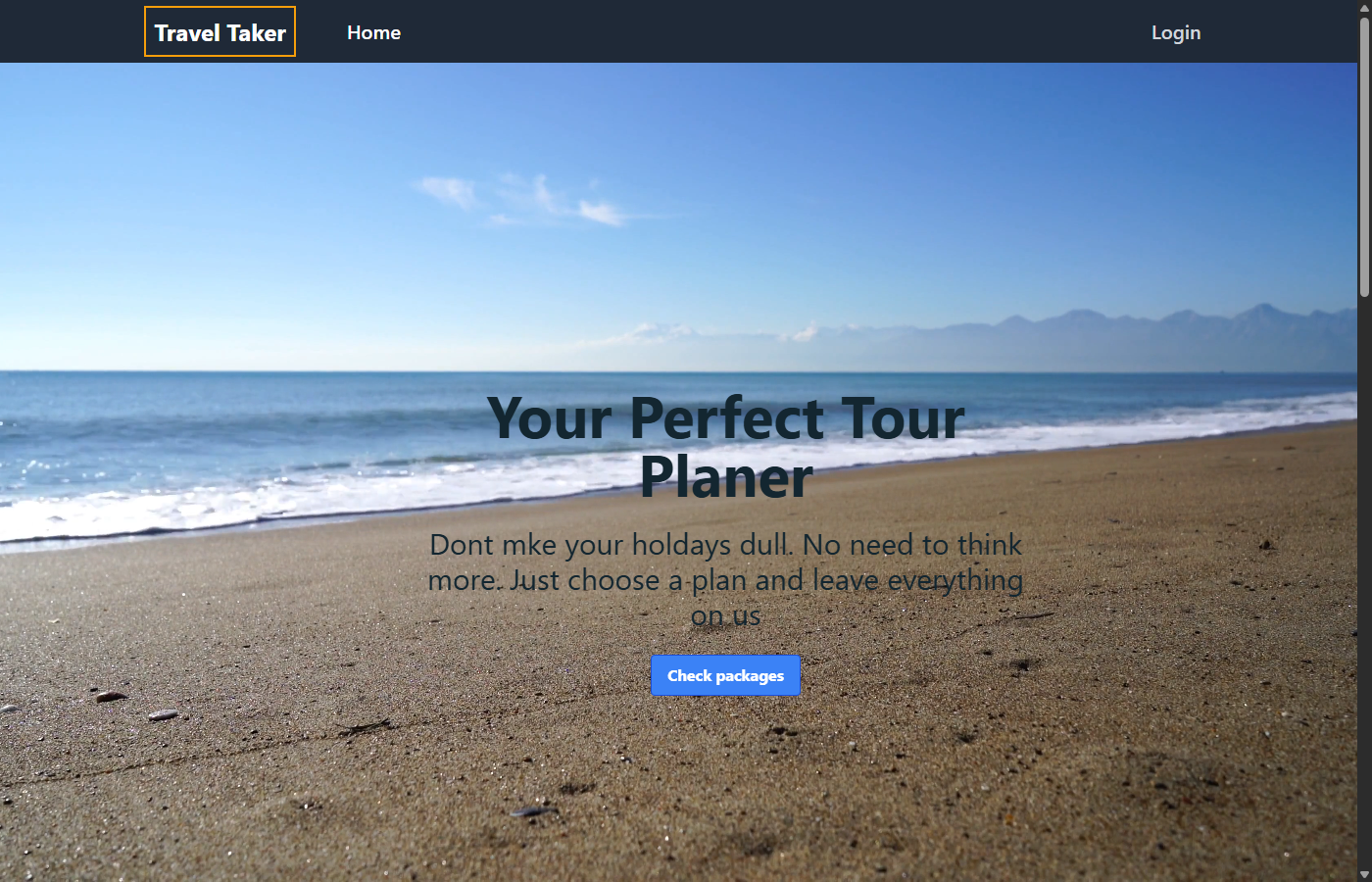
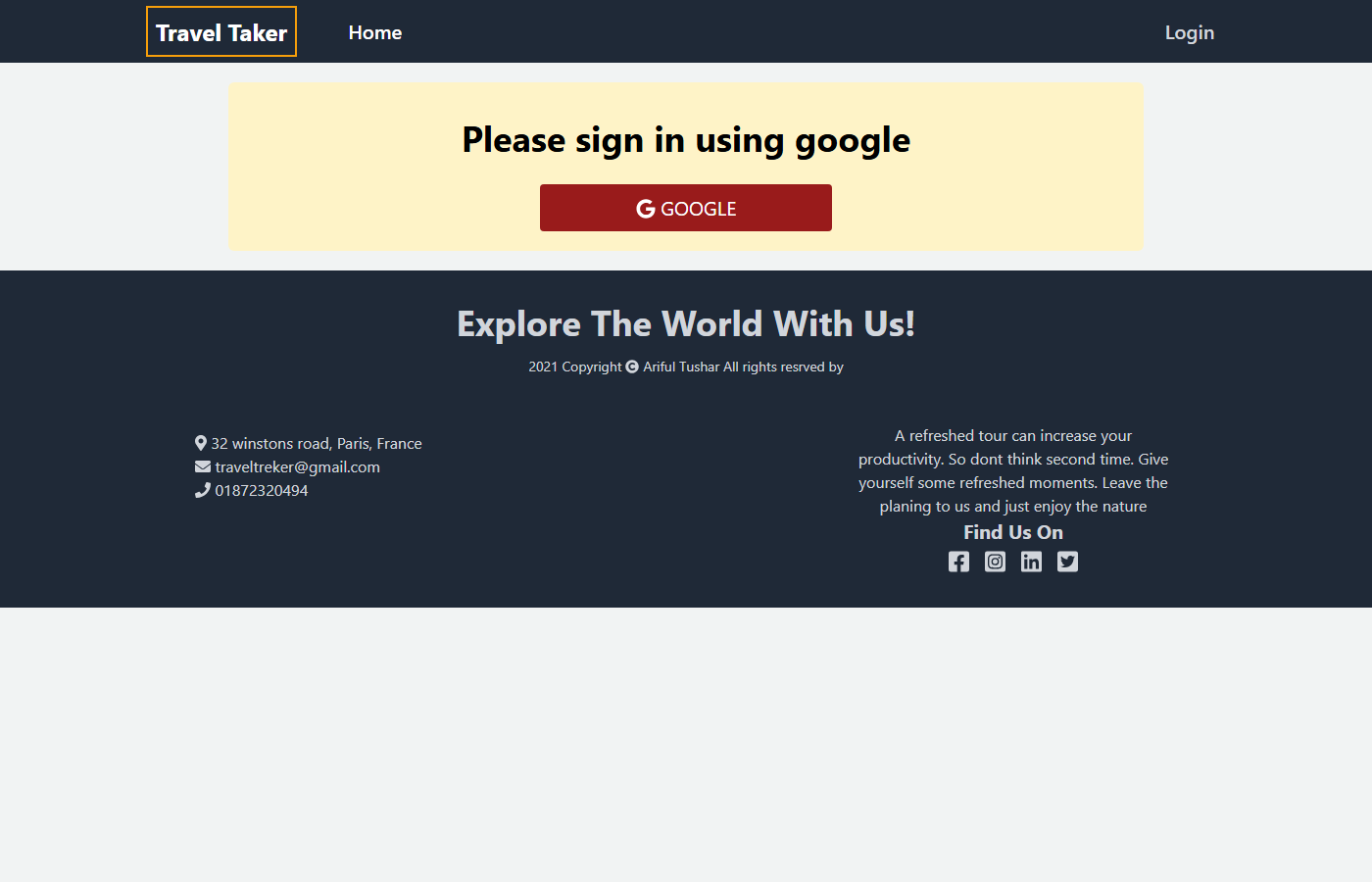
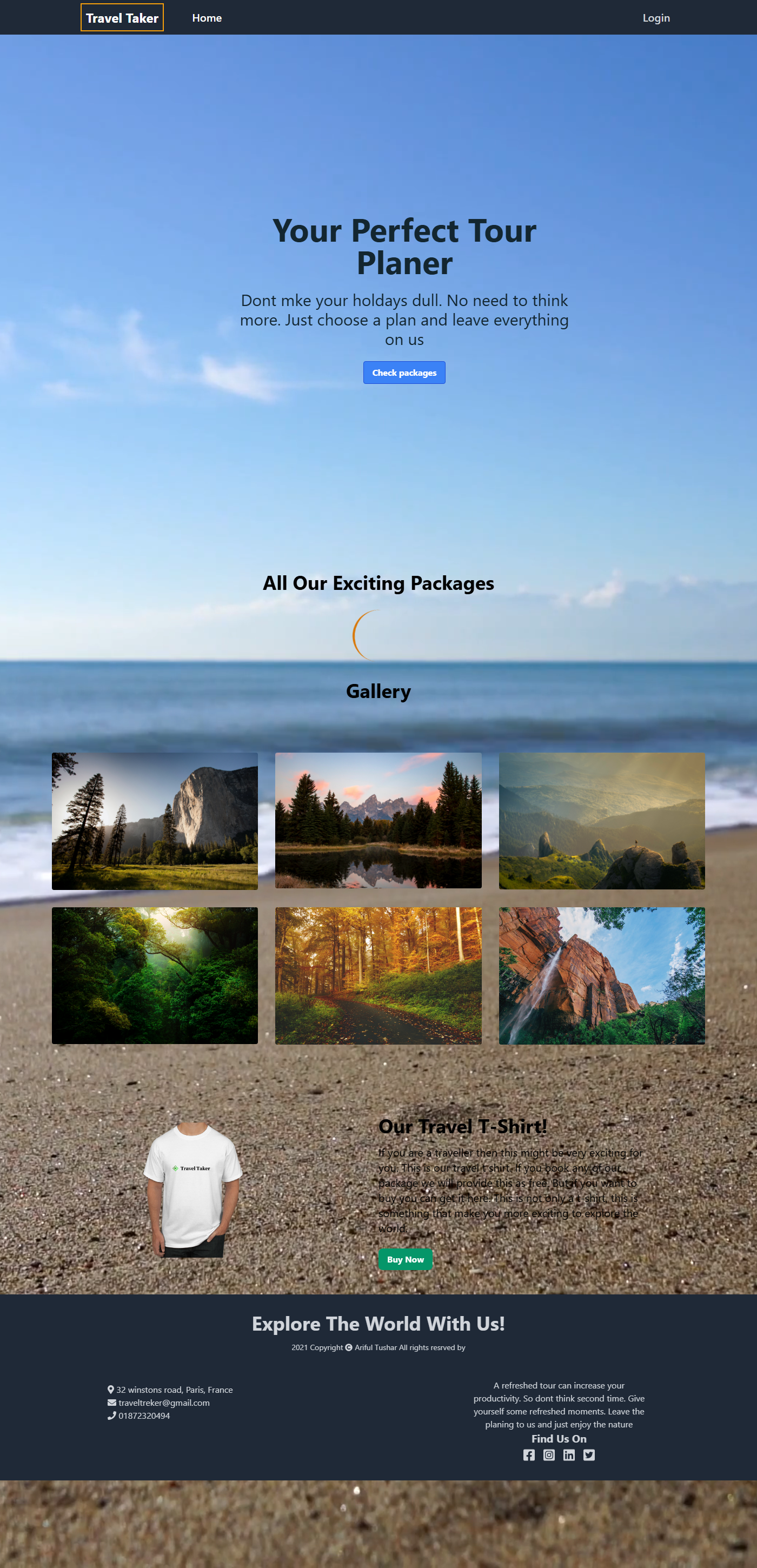
A note on the live demo: the frontend is still live on Firebase Hosting, but the Express/MongoDB API was deployed on Heroku's free tier, which Heroku discontinued in November 2022 — so the backend is no longer running. The homepage, gallery, and login screen all still render correctly (see the screenshots below), but package data, booking, and order management won't load live since there's no API behind them anymore. The code itself — both the React client and the Express server — is unchanged and available in full in the two repos linked above.
Key Features
- Google authentication via Firebase Auth, with protected routes (
PrivateRoute) that redirect unauthenticated users to login and return them to the page they wanted afterward. - Package catalogue pulled from a MongoDB collection through a REST API and rendered as cards on the homepage.
- Booking flow — a package detail/booking page with a React Hook Form that submits an order (linked to the signed-in user's email) to the API.
- My Orders — signed-in users can see the orders tied to their own account, queried from the API by email.
- Manage Orders dashboard — lists every order across all users, with actions to approve a pending order (updates its status via a
PUTrequest) or delete/cancel it (DELETErequest). - Add Package form — a form for posting new packages straight into the database.
- Responsive UI built with Tailwind CSS and Headless UI (an animated mobile nav drawer), plus a looping video hero banner.
How It Works
- Browse — the homepage fetches all packages from
GET /packagesand renders them as cards. - Sign in — Firebase's Google popup sign-in authenticates the user; an auth context makes the current user available app-wide.
- Book — selecting a package opens a booking form (
GET /packages/:idfor the package details), which posts the completed order toPOST /orders. - Track — "My Orders" posts the signed-in user's email to
POST /myordersto fetch just their bookings. - Manage — "Manage Orders" lists every order (
GET /orders) and lets any signed-in user approve (PUT /orders/:id) or cancel (DELETE /orders/:id) it.
Tech Stack & Skills Demonstrated
Frontend React 17 · React Router v5 (protected/private routes) · Tailwind CSS · Headless UI · React Hook Form · Axios · Font Awesome
Backend Node.js · Express · MongoDB (native driver, Atlas-hosted) · CORS · dotenv-based config
Auth & deployment Firebase Authentication (Google provider) · Firebase Hosting (client) · Heroku (API, since retired)
Engineering practice REST API design across two resource collections (packages, orders) · client-side route protection tied to auth state · form-driven data entry with validation · separating a public catalogue view from an authenticated management view
Project Structure
travel-taker-client/
├── src/
│   ├── Components/
│   │   ├── Home/            # Banner, package grid, gallery, magazine sections
│   │   ├── Login/            # Firebase config, Google sign-in, PrivateRoute
│   │   ├── Booking/          # Package booking form
│   │   ├── MyOrders/         # A user's own orders
│   │   ├── ManageOrders/     # All-orders admin-style view
│   │   ├── AddPackages/      # New-package form
│   │   └── Shared/            # Header, Footer
│   ├── Context/               # Firebase auth context provider
│   └── Hooks/                 # useFirebase, useAuth

travel-taker-server/
└── index.js                    # Express app — packages & orders REST endpoints
Reflection
This was an early full-stack project, and it shows in a few places I'd do differently today — there's no server-side role check on the "Manage Orders" / "Add Package" routes (any signed-in user can reach them, not just an admin), and the free-tier Heroku backend going away is a good reminder to plan for hosting lifecycles even on practice projects. I'm keeping it in the portfolio as-is because it's an honest snapshot of foundational full-stack skills — React, protected routing, REST APIs, and third-party auth — that everything I've built since builds on.